This is an iPad workshop I did a while ago for the imagineFX magazine.
All painted with "brushes" for iPad.
Showing posts with label iPad. Show all posts
Showing posts with label iPad. Show all posts
Tuesday, June 07, 2011

Monday, April 25, 2011
Spotlight on Autodesk
A short article about me on the Autodesk Sketchbook news. My paintings were used as splash screens for Sketchbook Pro (for iPad) for almost a year now. I think they're going to get replaced soon...Check it out.


Wednesday, August 04, 2010
Doodling
This is the painting of the workshop I did for ImagineFX. It's painted entirely with the "Pogo Sketch Stylus" on the iPad using the "Brushes" application and color corrected in "Photogene".


And here as promised the progress video.
Update: Sorry I had to take the video down for now.
Update: Sorry I had to take the video down for now.
Tuesday, August 03, 2010
ImagineFX workshop

Meanwhile a little preview...

Sunday, May 16, 2010
27th World Wide SketchCrawl
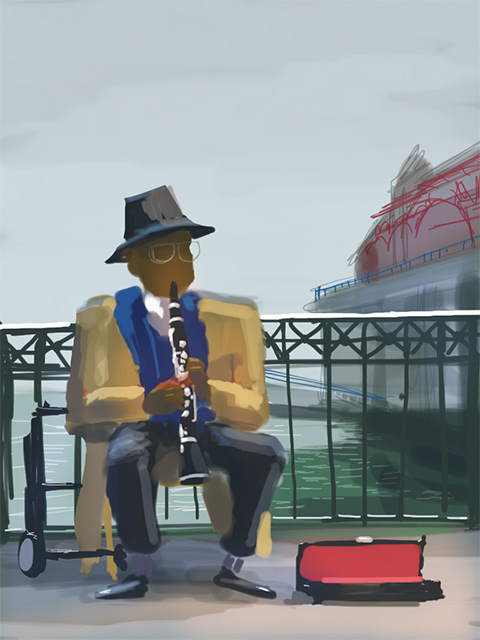
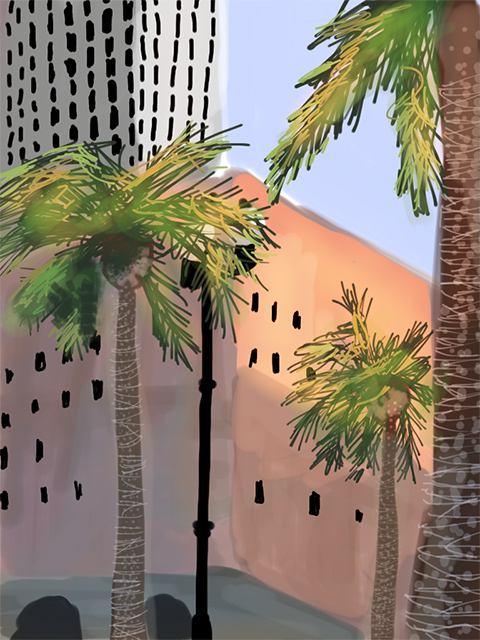
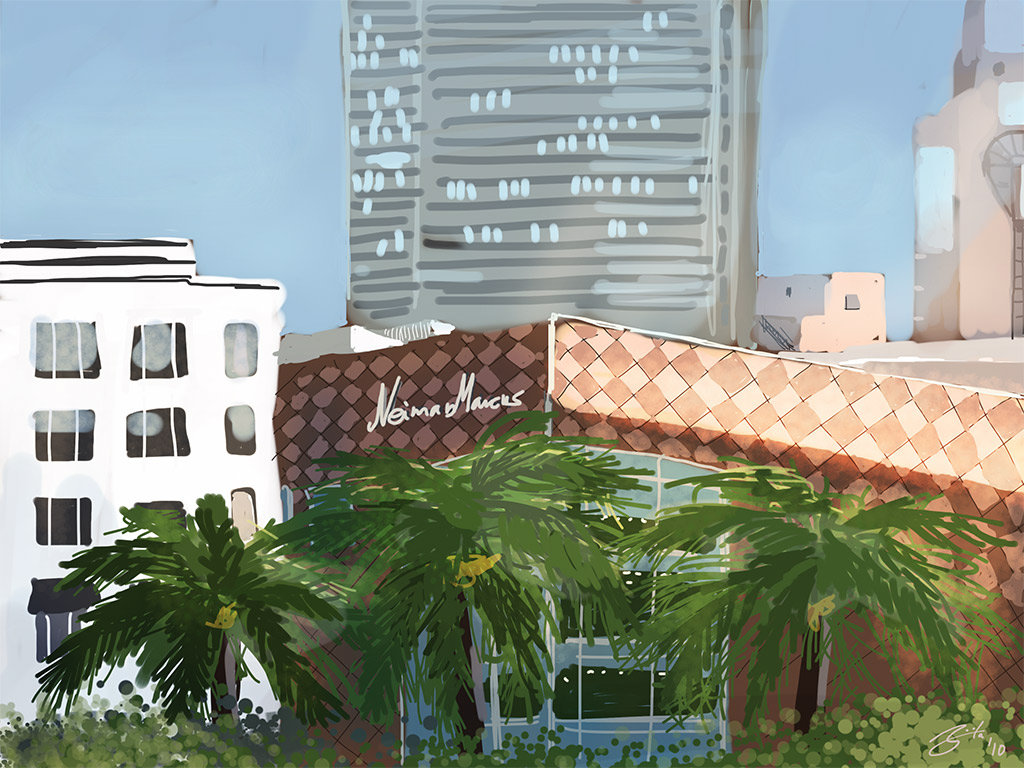
I went to the 27th World Wide SketchCrawl today. It started a the Ferry Building and ended at Union Square. It was a beautiful day, though a bit cold. I was painting on my iPad with "brushes" and the "pogo stylus" today. I had to be in the shade since the glare on the screen was too strong in the bright sunlight. Here are the results from today. I also prepared a progress video of the last painting.


Sunday, April 25, 2010
Market Street
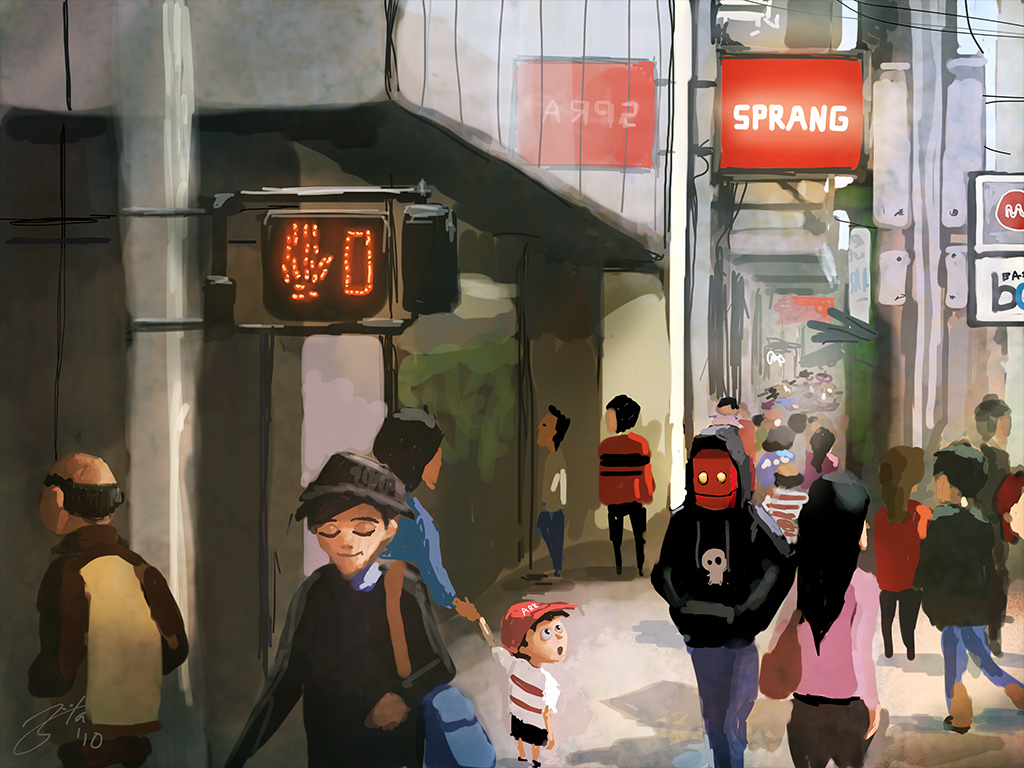
I downloaded the brushes app update today and it rocks! Especially the layer transform option! Way better and faster than the one in sketchbook pro! Good job Steve! He also added a bunch of new brushes and I realized that he even has the layer modes: Multiply, Screen, Overlay and Color. That's friggin' awesome!
Again all on the iPad ^^v

And here is the painting process.
Again all on the iPad ^^v
And here is the painting process.
Friday, April 23, 2010
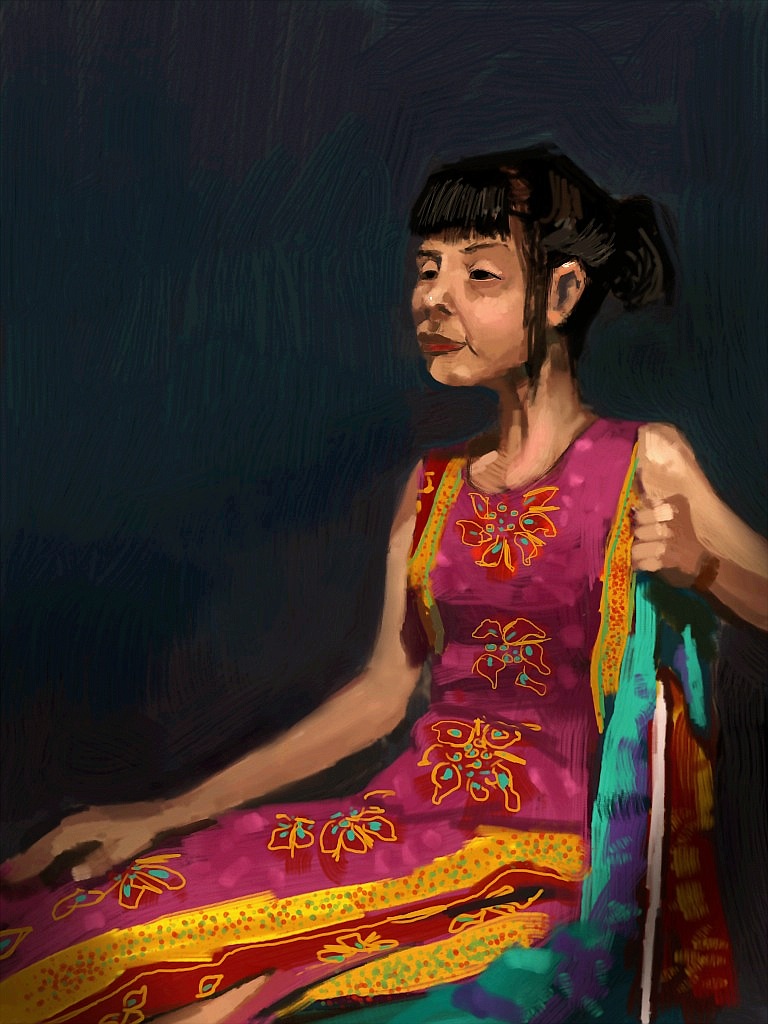
First life drawing session with the iPad
I did a 1h 30min life drawing session today. It felt very natural to draw.
iPad just keeps getting better! Can't wait for the new updates for both "brushes" and "sketchbook pro"
This one was painted in sketchbook.

iPad just keeps getting better! Can't wait for the new updates for both "brushes" and "sketchbook pro"
This one was painted in sketchbook.
Thursday, April 22, 2010


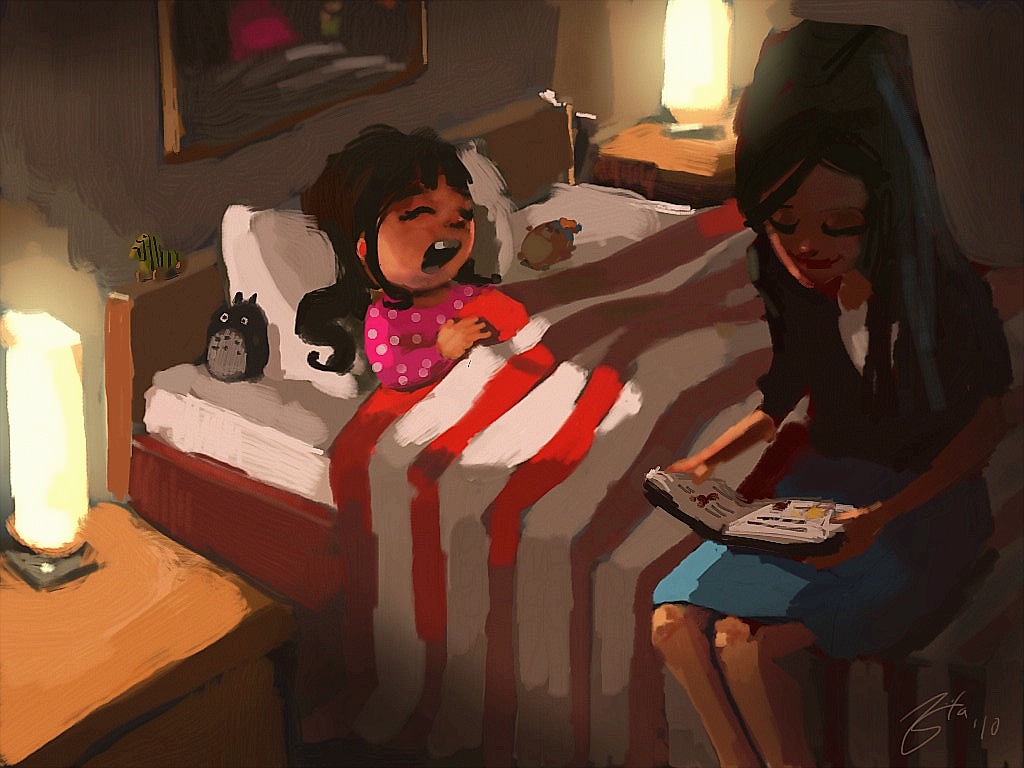
Friday, April 16, 2010
Little Friend
Wohoo my pogo stylus arrived and now it's even more fun to paint in Sketchbook Pro + iPad!
This one took a bit longer...around 3hours but super fun!

This one took a bit longer...around 3hours but super fun!

Monday, April 12, 2010
iPad finally a portable Cintiq?
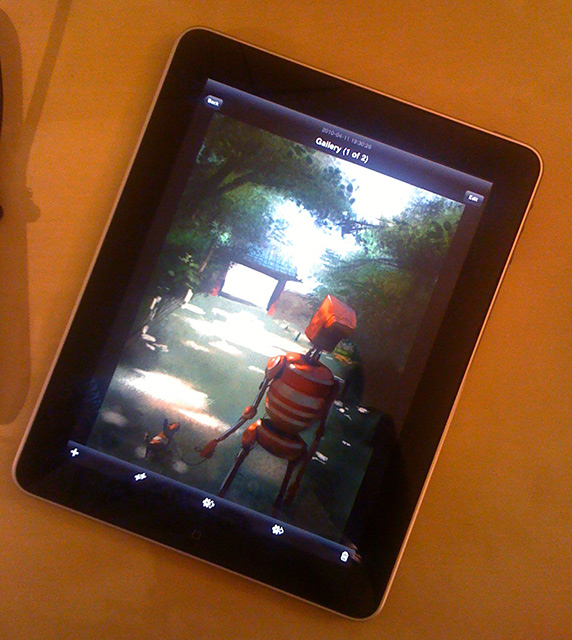
After doing some doodles in Autodesk Sketchbook Pro for iPad, I new this is the next step into the future. My stylus for the iphone broke so I had to paint with the finger but I was surprised how accurate you can draw even without a stylus. Of course the pressure sensitivity is still missing but changing the opacity manually is not too bad. Sketchbook provides layers and even layer transformations, meaning you can translate/rotate/scale a layer all at the same time using two fingers....it's pretty insane since Photoshop can't even do that. Besides painting....I can watch my netflix queue instantly on this thing and reading comic books or looking at photos is a pure pleasure. Basically it's a giant iPhone which makes this toy so amazing :D
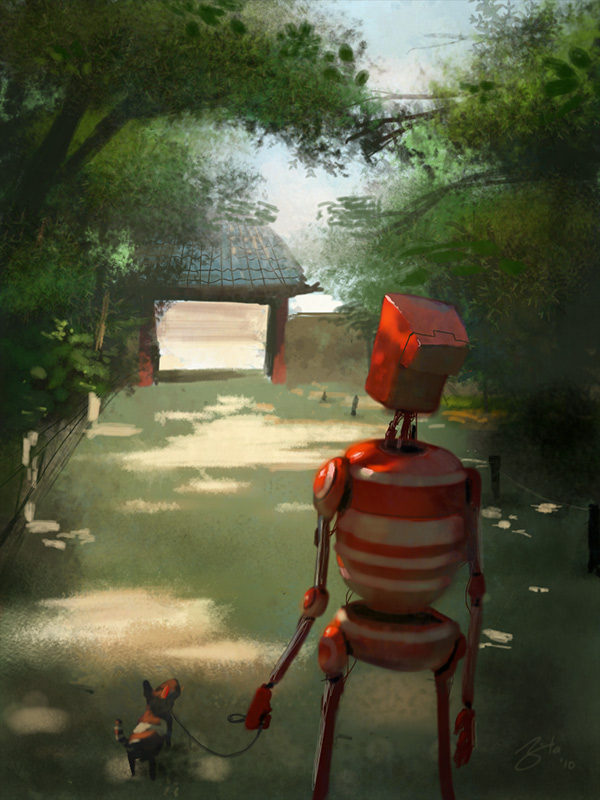
Here is my first painting done in Sketchbook Pro for iPad. I guess I finally found a portable Cintiq!!!
More to come! Btw...my stylus is broken so this is all fingerpainting ^^
Subscribe to:
Posts (Atom)